astrolol Open source · free · web-based

Run your telescope
from any browser.

astrolol is a headless control platform for your imaging rig. It runs on a small Linux computer and you drive it from a laptop, tablet or phone on your network.

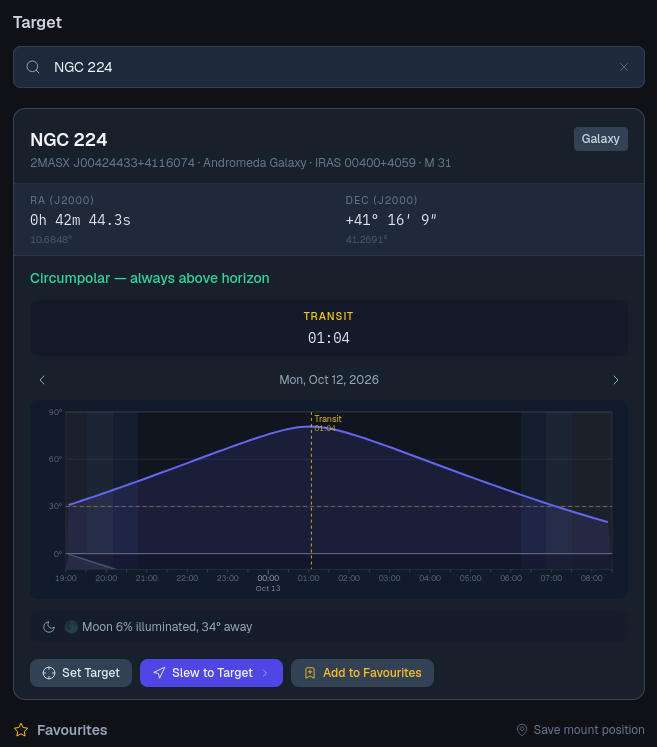
Target search
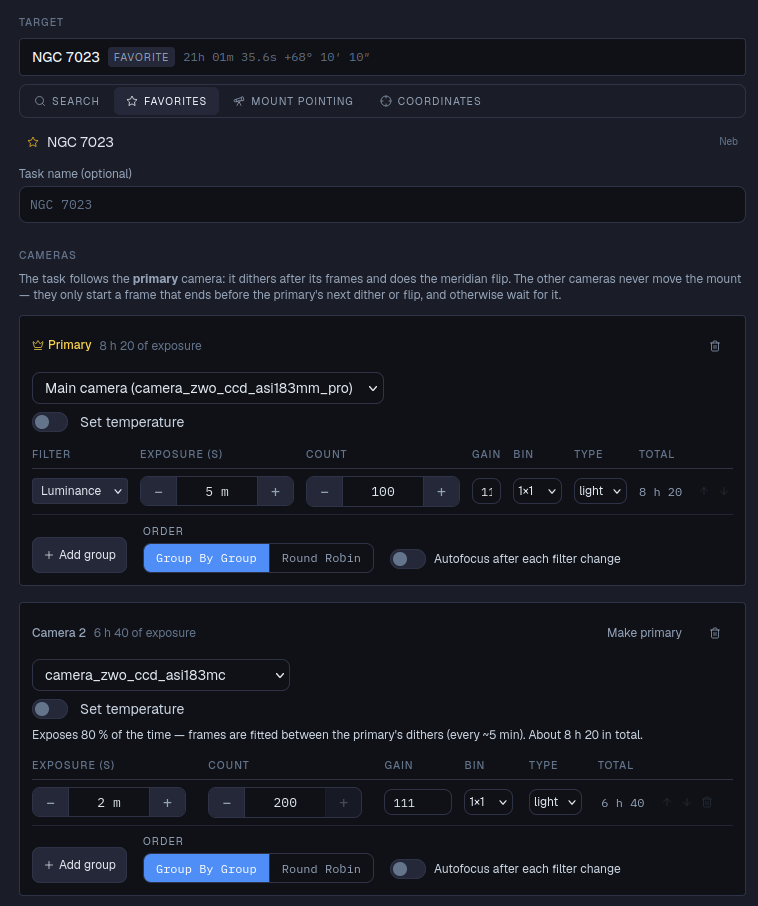
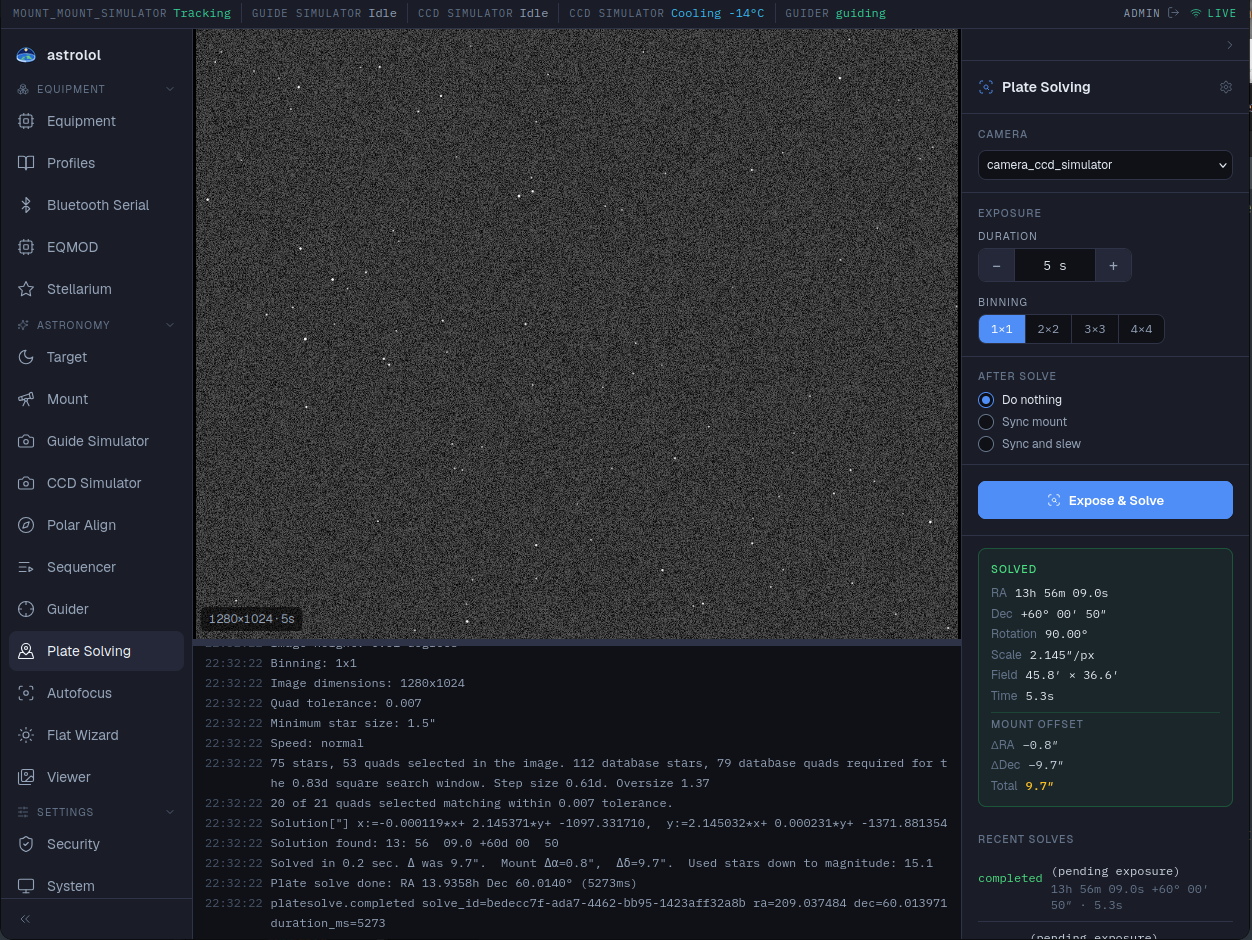
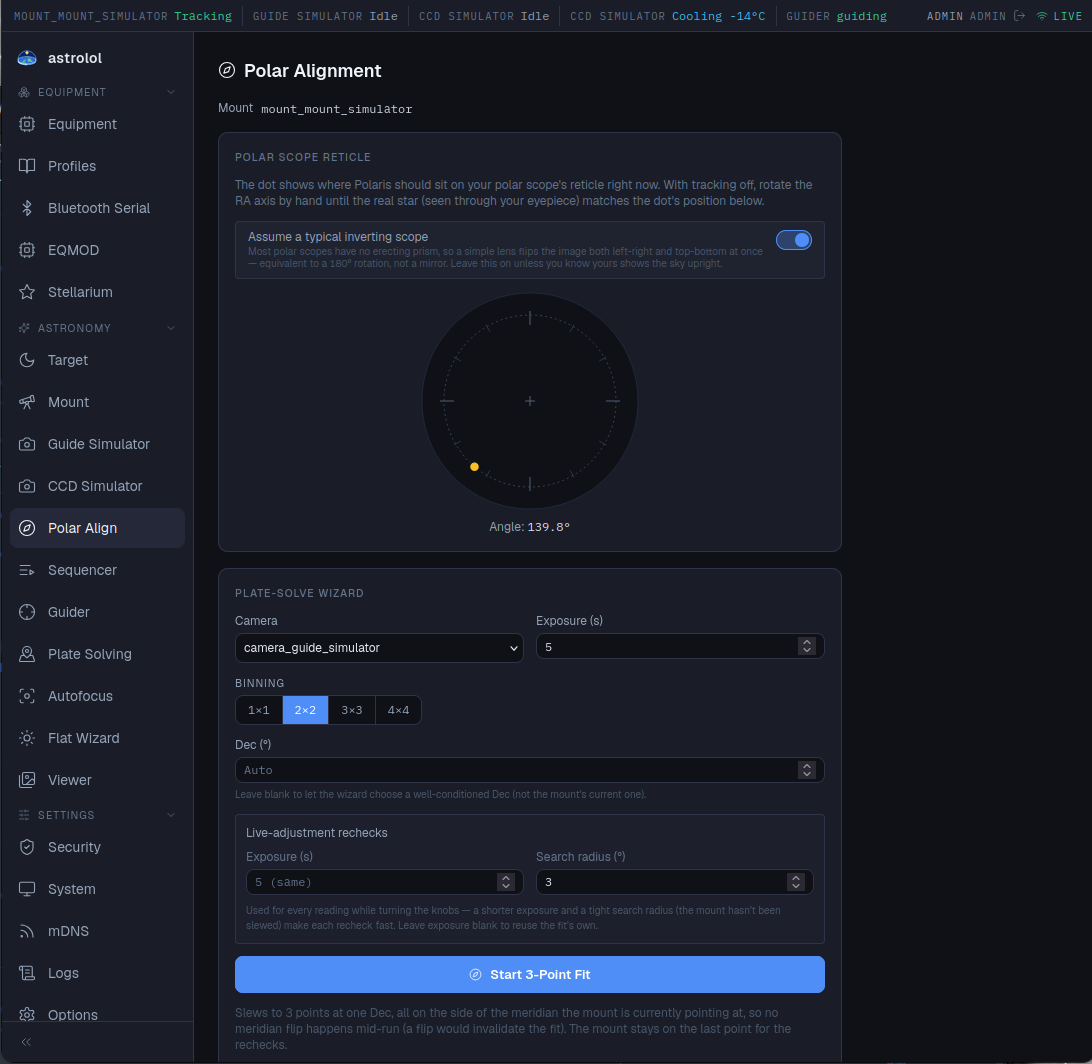
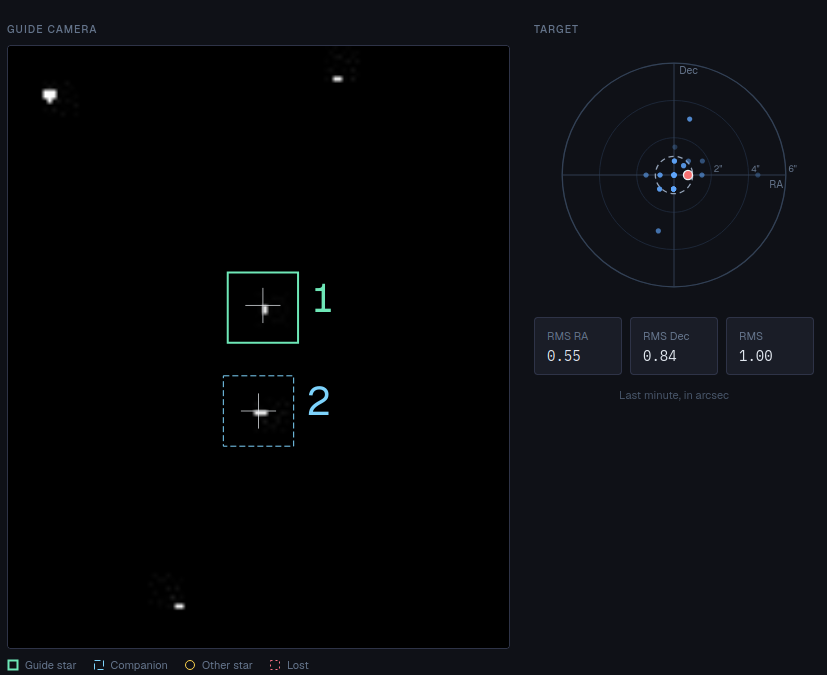
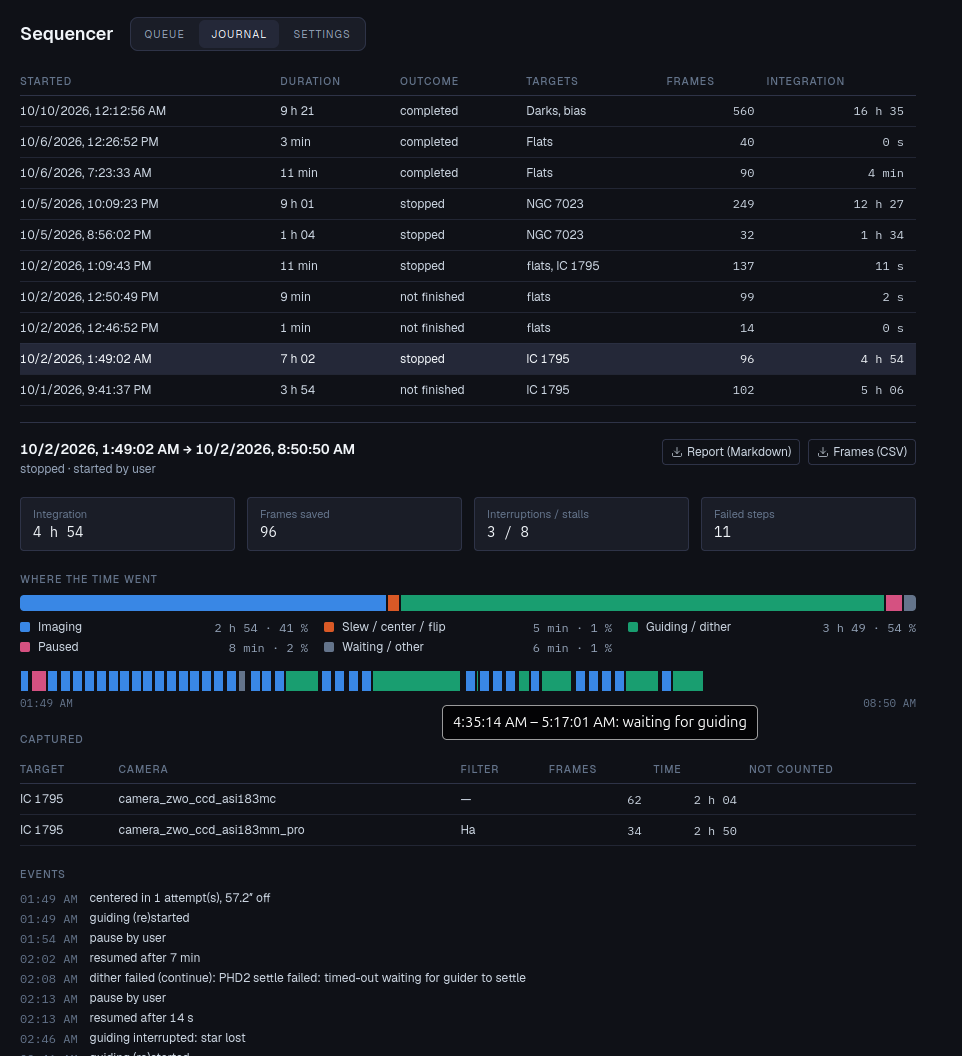
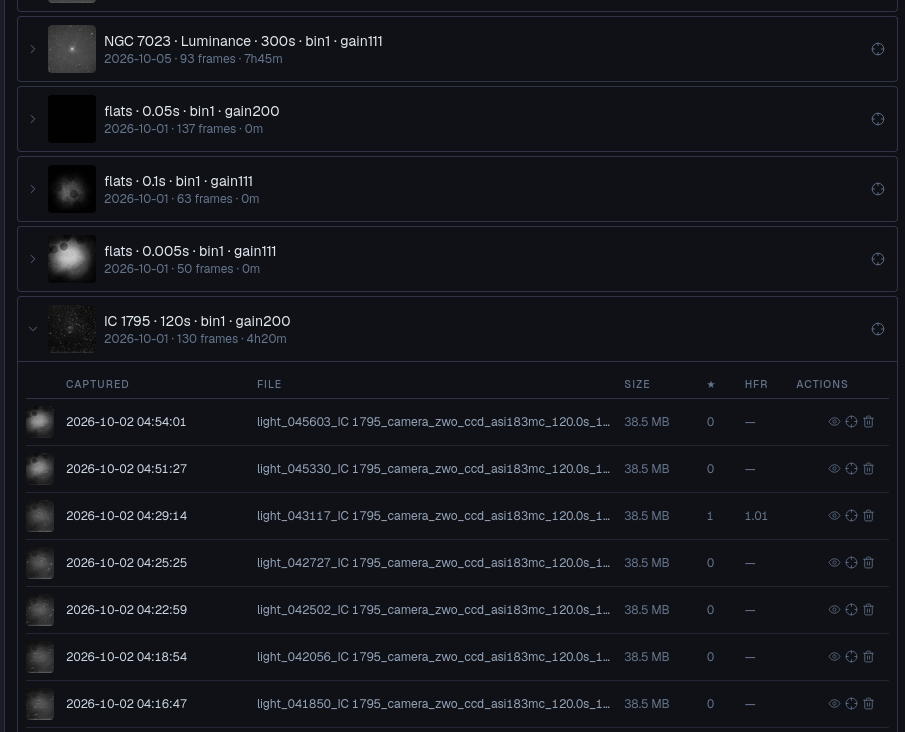
Target search page showing NGC 224, its altitude curve and transit time Sequencer task builder with a multi-camera NGC 7023 plan Plate solving page with a solved frame, mount offset and solver log Polar alignment reticle and plate-solve wizard Guide camera view with locked guide star and live RMS graph Sequencer journal showing a completed session's timeline and captured frames
What it does

Everything at the scope, in one place.

Device control, imaging, guiding and automation behind one event-driven backend, with a live view that stays in sync across every connected client.

⚙

Device control

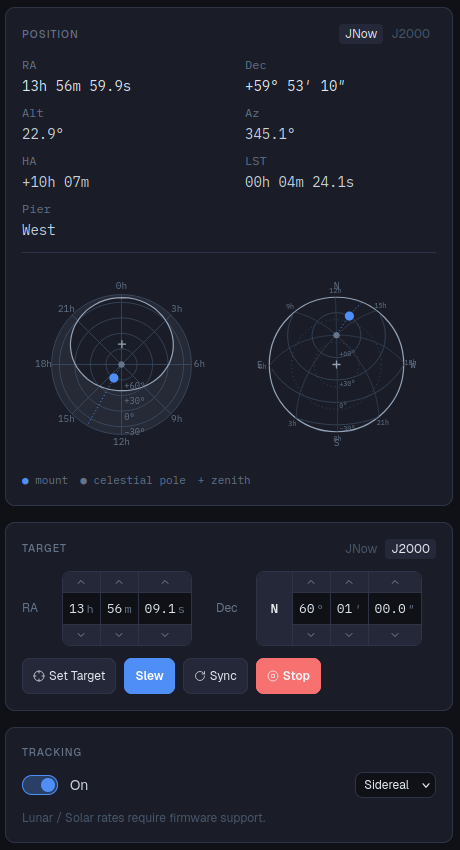
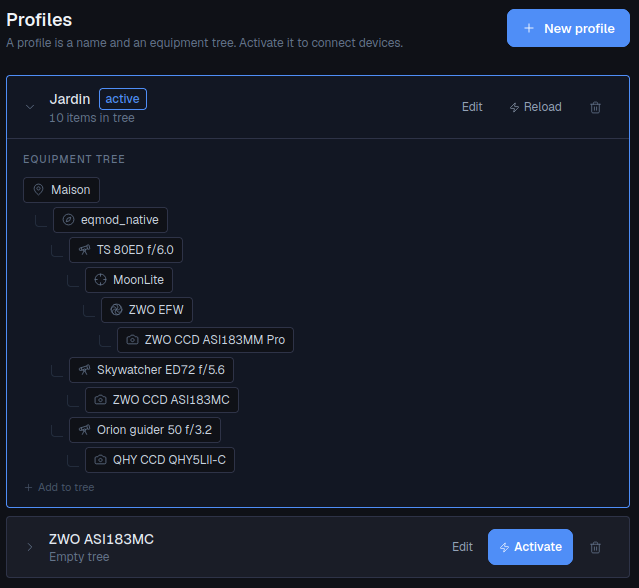
astrolol remembers the devices that are part of your profile (INDI, INDIGO, ASCOM Alpaca or its own drivers) and reconnects them automatically.

📷

Parallel imaging

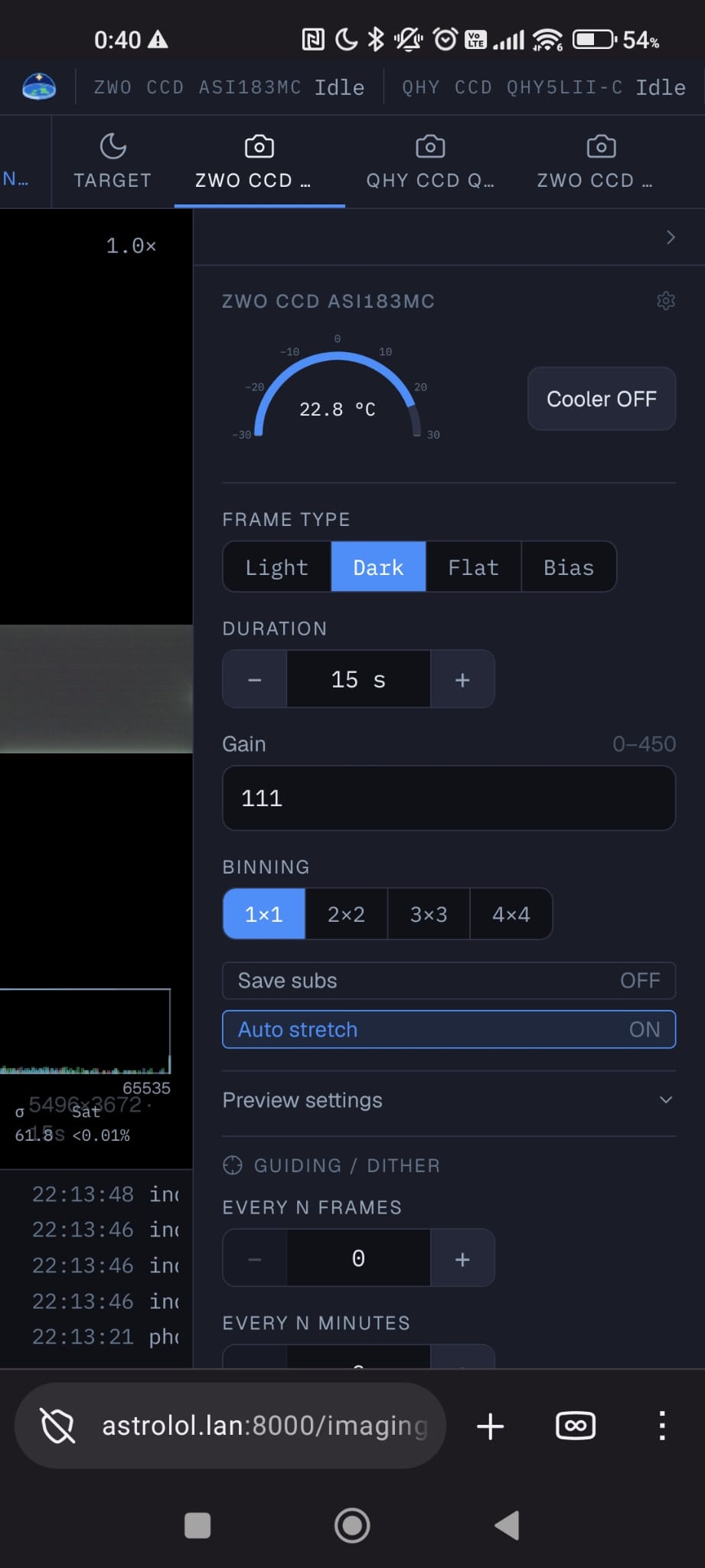
Astrolol supports taking pictures from many cameras at once, with synchronized dithering.

🎯

Guiding & plate solving

Guiding with PHD2 or the integrated guider module.

📋

Sequencer

Queue a night's plan: target, slew, center, guide, dither, meridian flip and recover from the usual incidents.

🔌

REST API

Every feature is reachable over a documented REST and WebSocket API, not just the bundled UI — the only free, open-source telescope control platform built this way. Script it, or build your own client.

🧩

Plugins

astrolol is completely designed over a plugin architecture, making it easy to extend it and implement new features or drivers.

Get started

Three things, then you're imaging.

01

Install it at the scope

Runs on a Raspberry Pi or any small Linux box bolted to the mount, with Debian 13 (trixie), Raspberry Pi OS or Ubuntu 26.04. 1GiB RAM recommended.

02

Connect your gear

astrolol drives INDI and INDIGO drivers and ASCOM Alpaca devices, and has its own driver for Sky-Watcher mounts (EQMOD).

03

Open a browser

Open astrolol from a browser or from your phone.

One package to install, from astrolol's own repository. Install instructions →
In the field

What a session looks like.

Equipment control and your captures, wherever you check in from.

Ecosystem

Extend it yourself.

Every feature beyond the core device layer is a plugin — its own API, its own UI page, turned on from the options when you want it. These ship with astrolol today:

autofocus guider phd2 platesolve polar_align sequencer flat_wizard viewer target object_resolver eqmod alpaca bluetooth_serial guide_simulator lx200 stellarium mcp mdns system security